
Private gallery
Photo Vault: Private & Offline
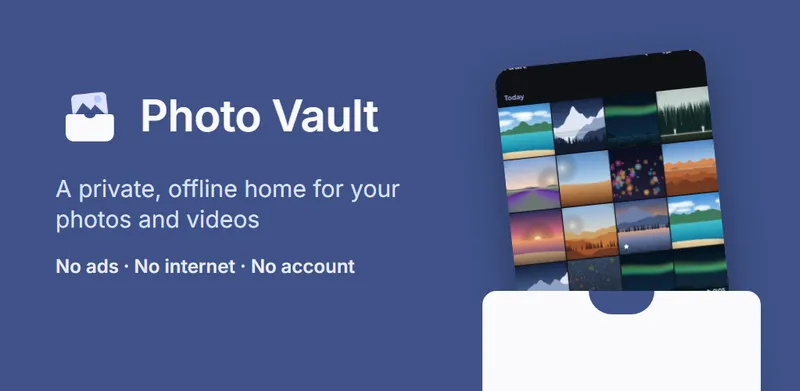
An encrypted, offline photo and video gallery with a PIN, optional fingerprint unlock and no account.
 PuzzleRigSTUDIOSGet support ↗
 Capture & edit
Record it. Make it yours.
Record tutorials and gameplay with optional audio and facecam, then trim, crop and share a new copy.
Get it on Google Play ↗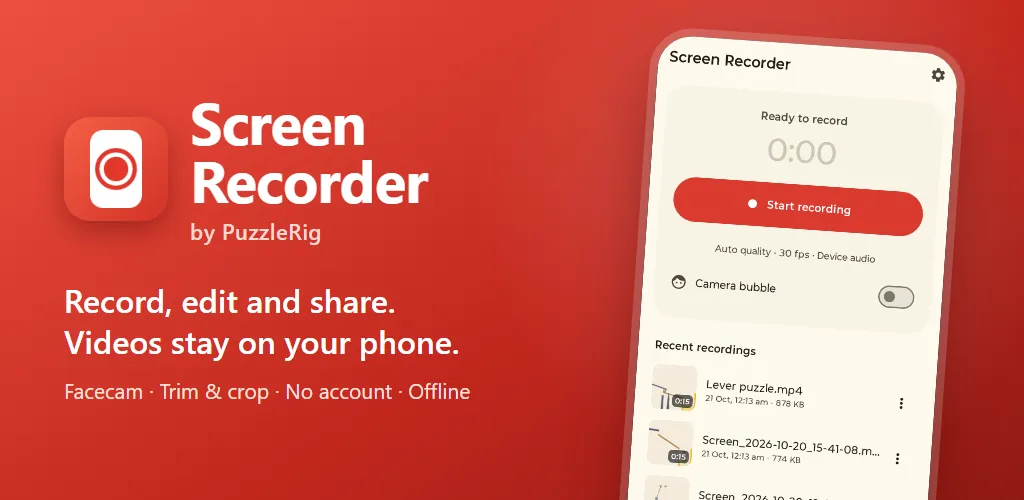
Choose recording options and approve Android?s screen-sharing prompt. Stop from the app, notification or Quick Settings, then review and edit your MP4. Protected content and some internal audio cannot be captured.
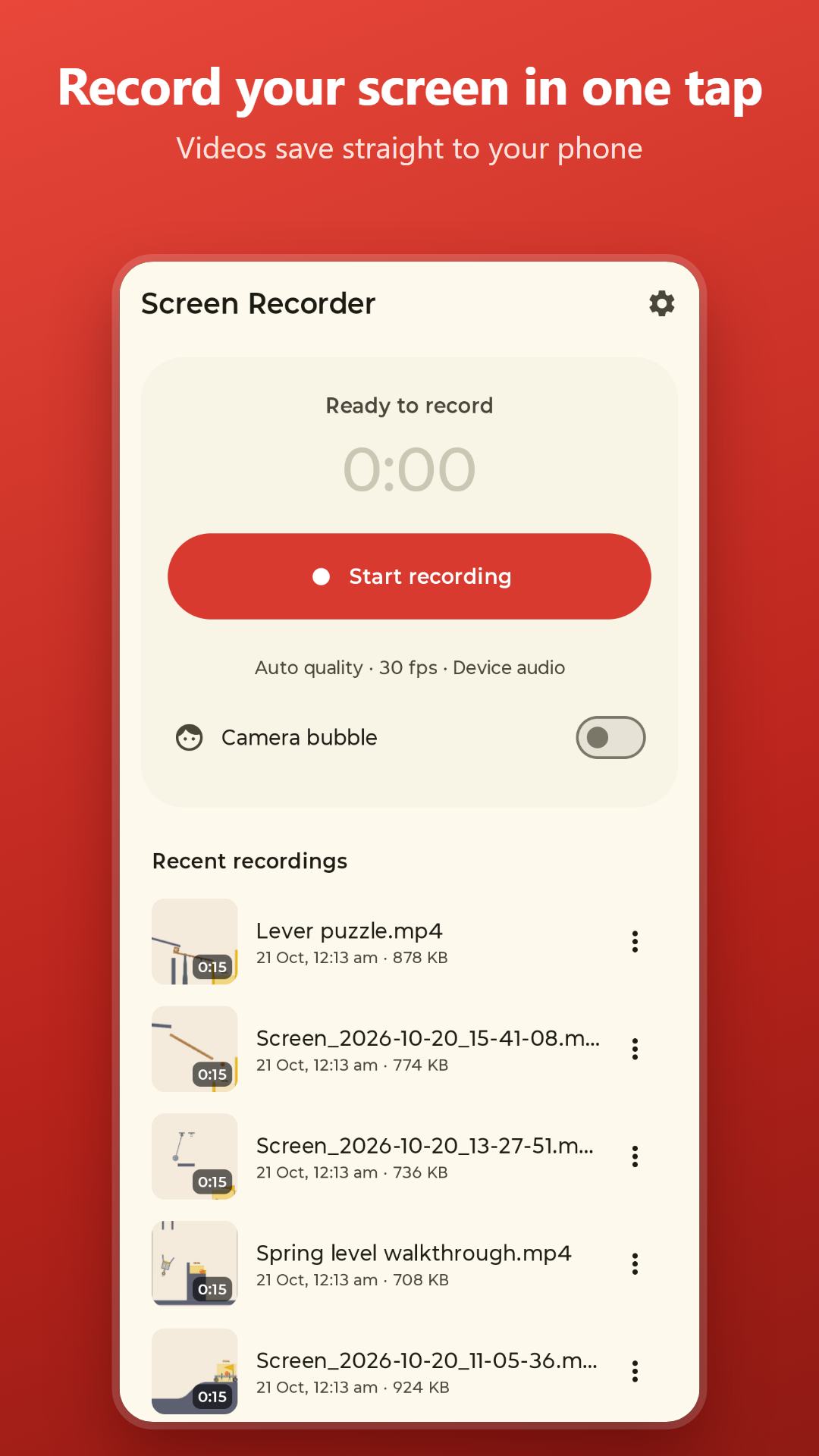
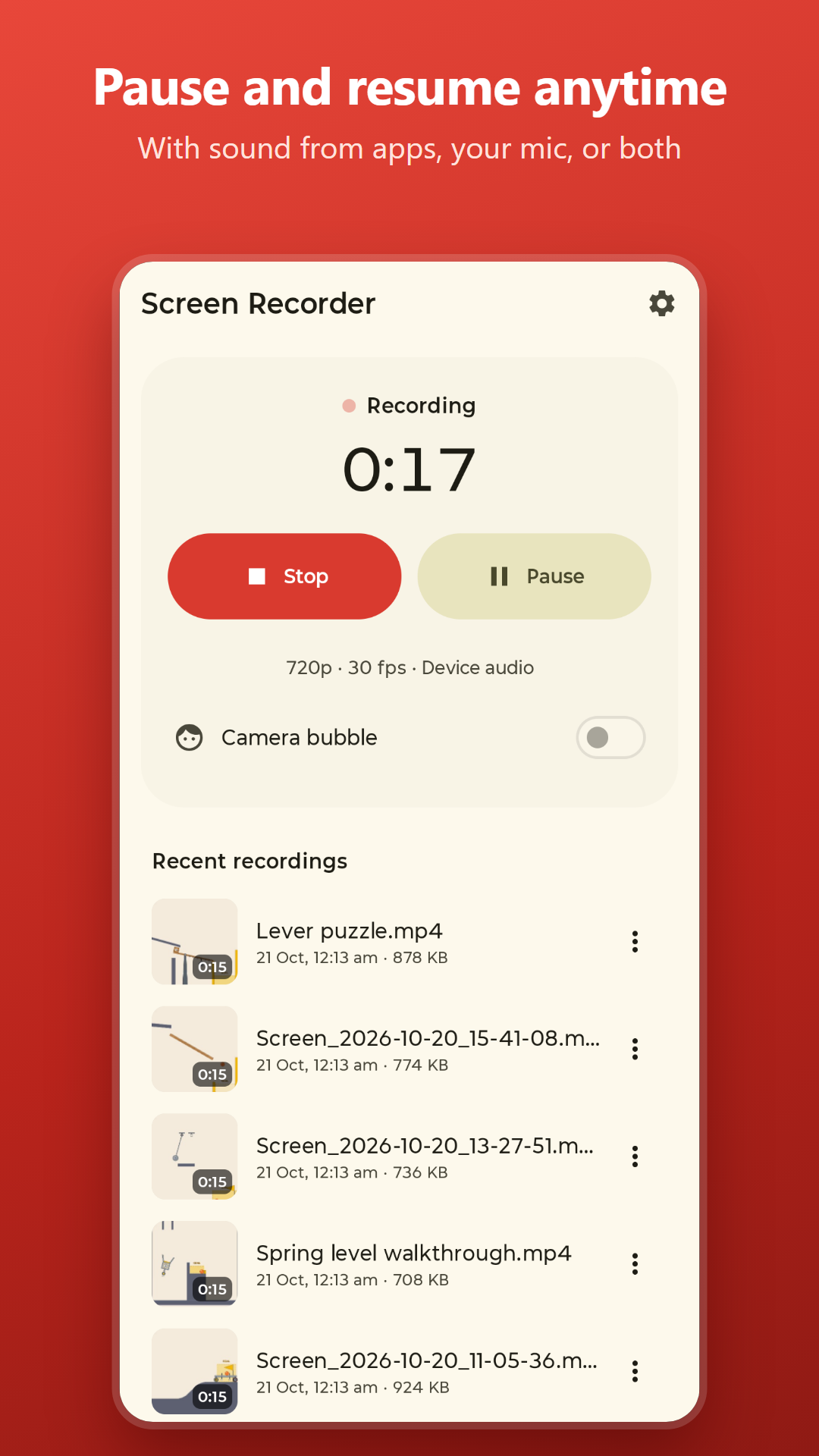
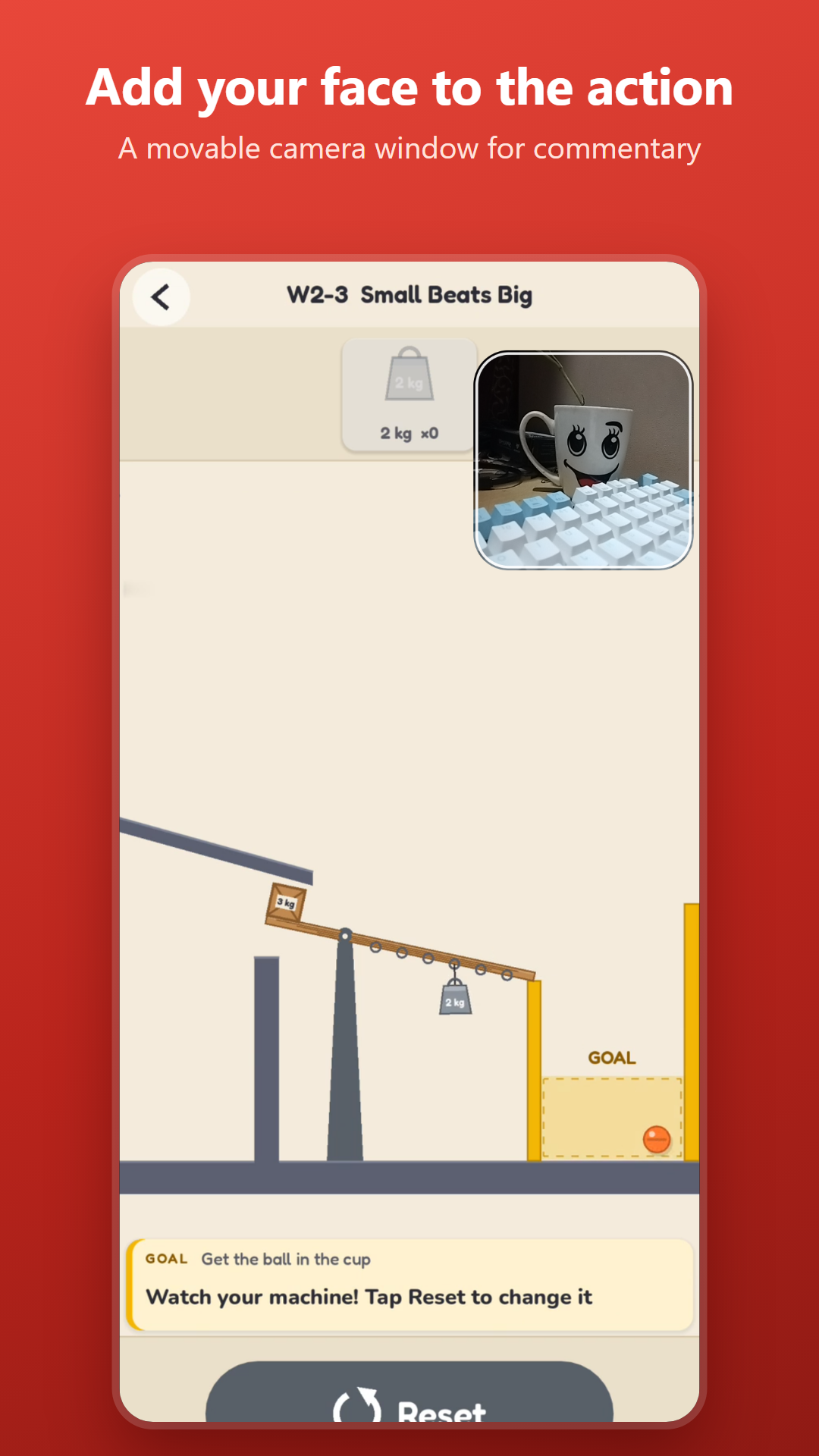
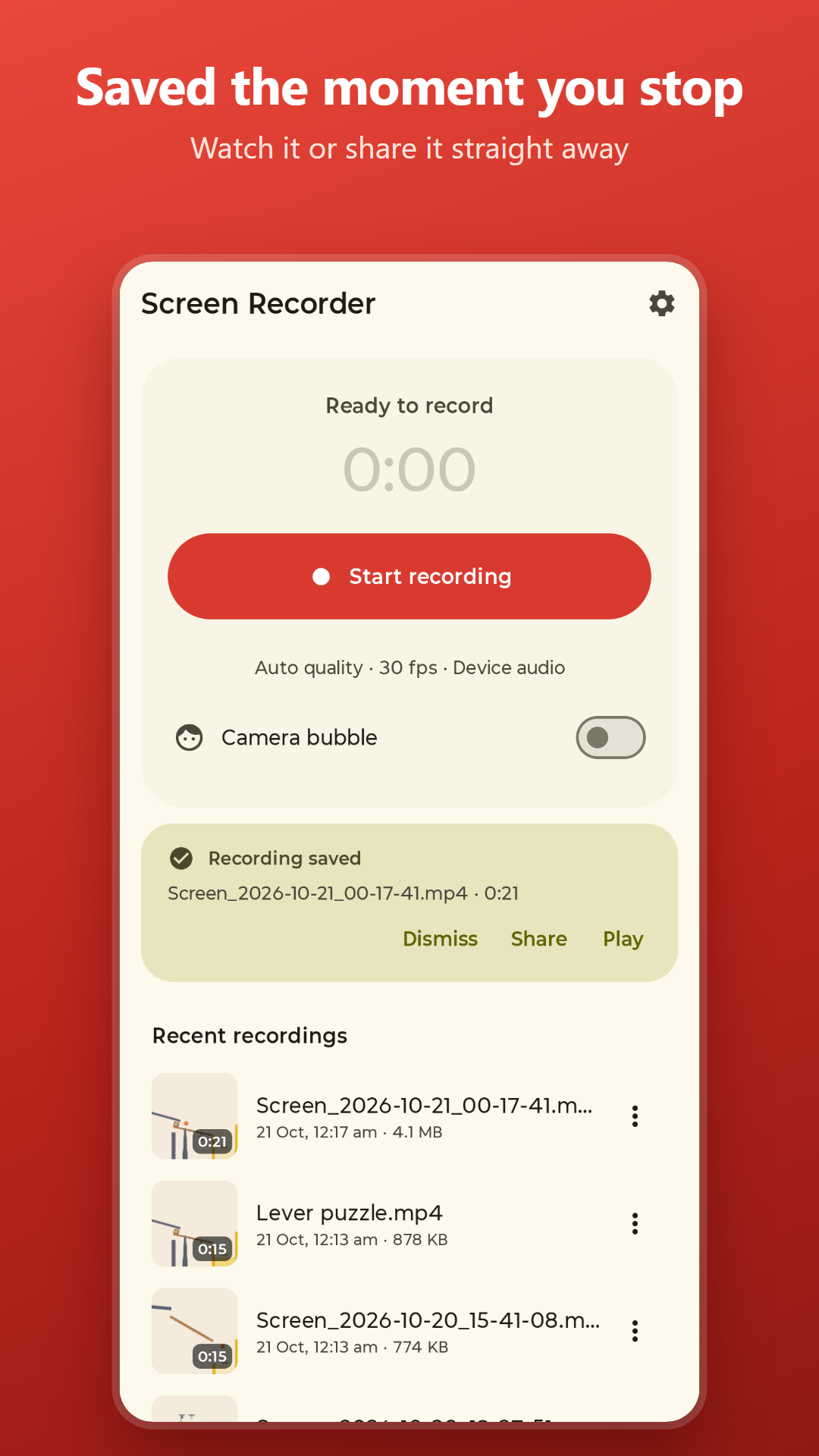
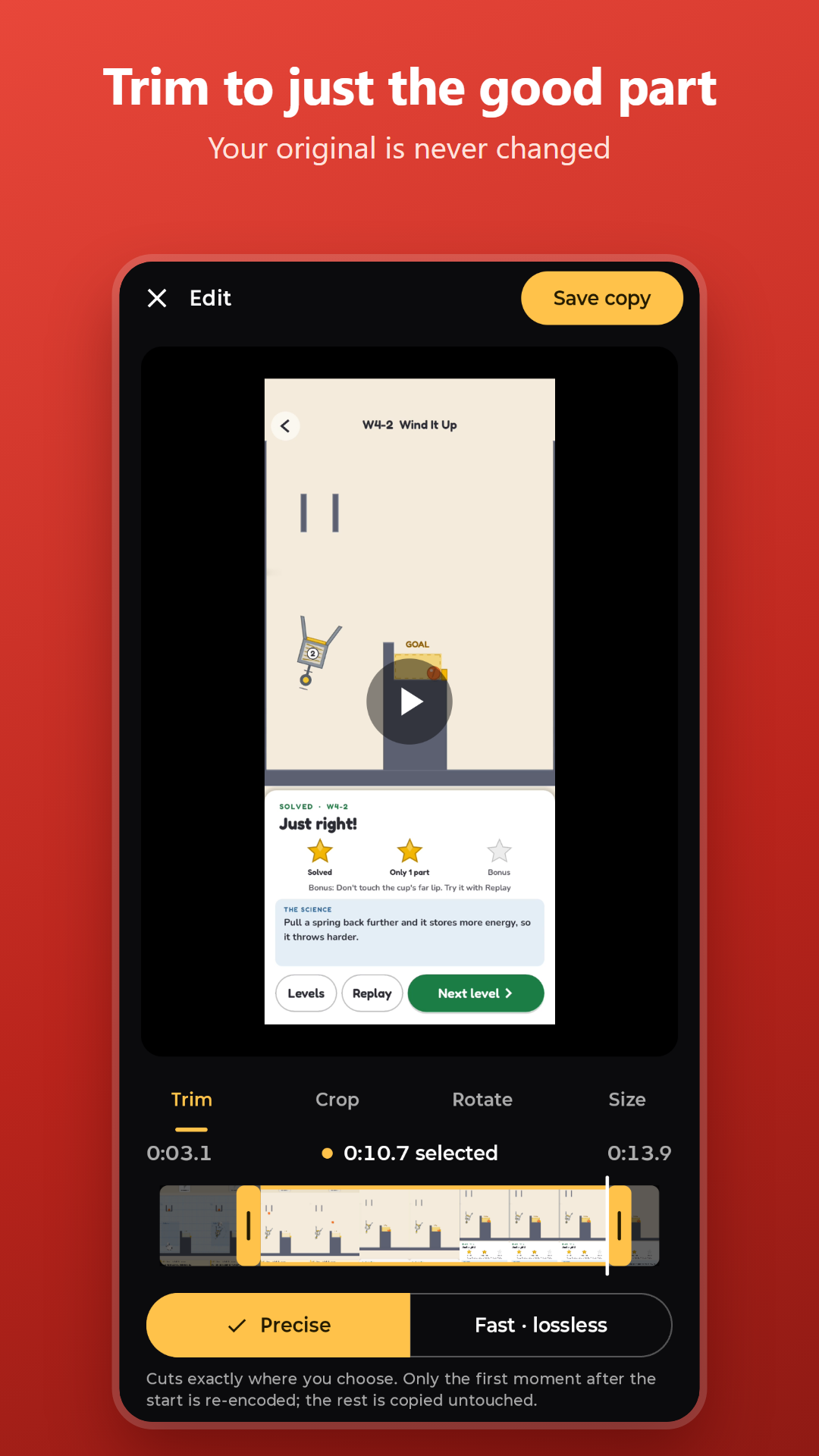
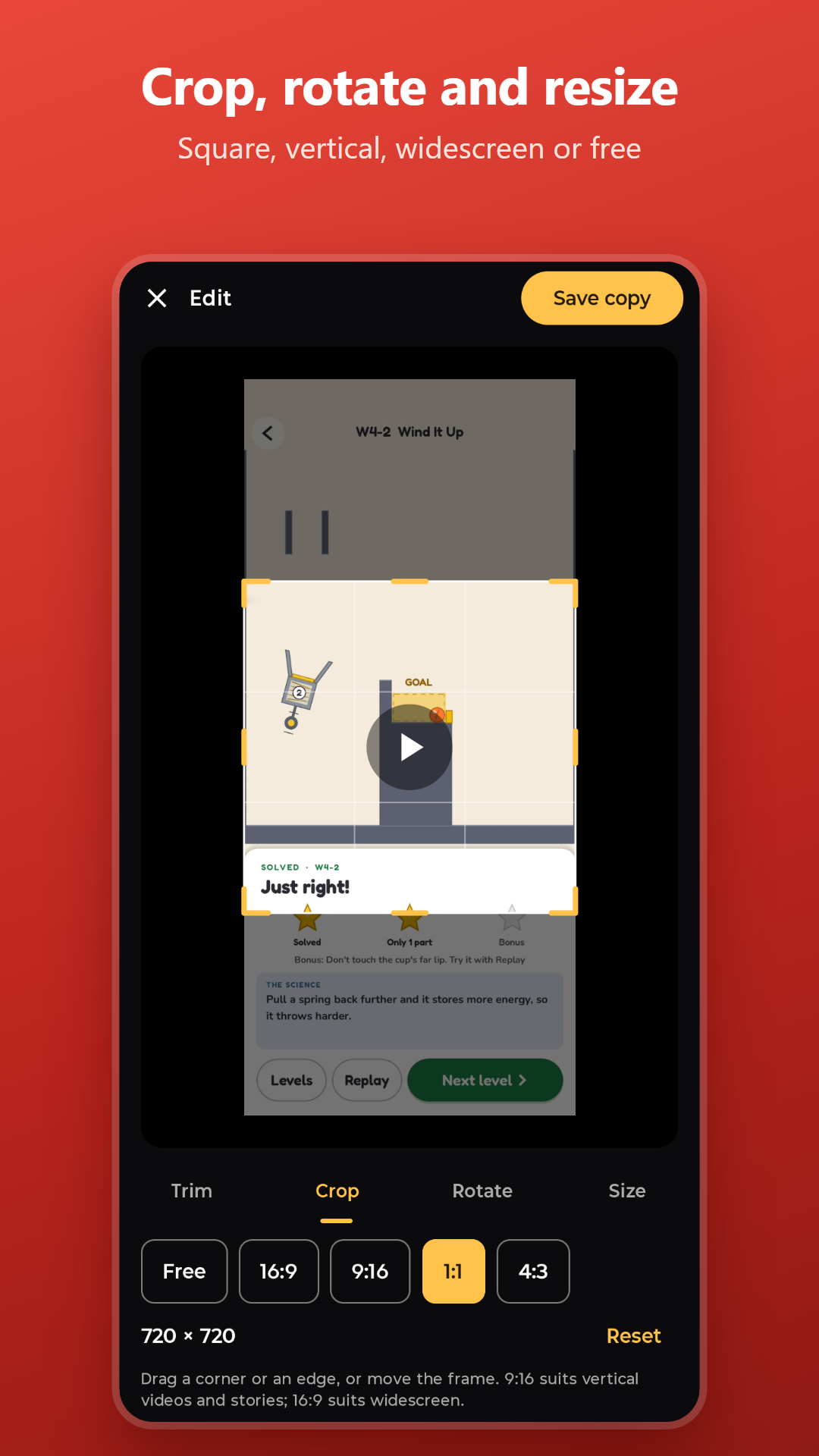
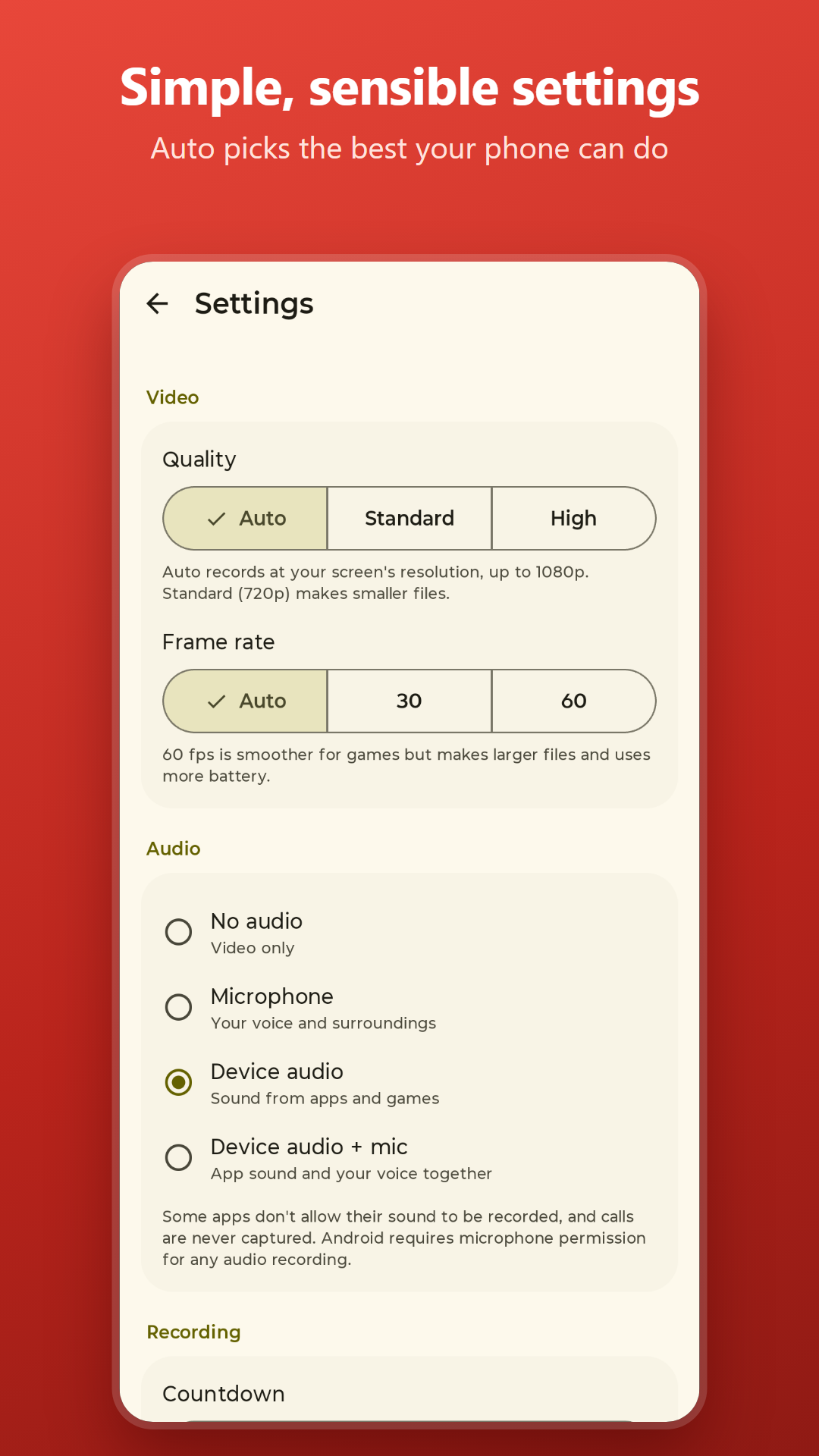
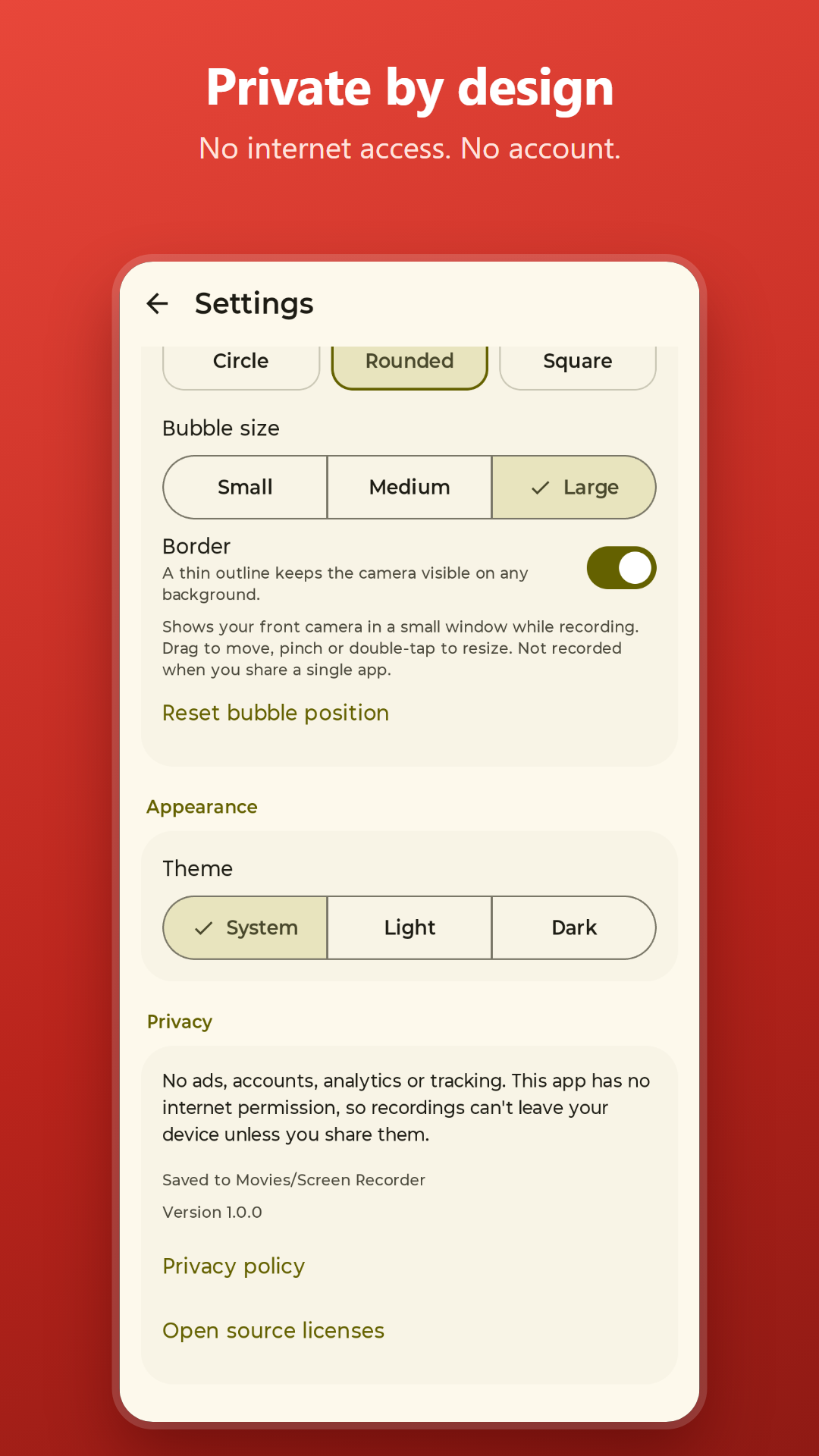
Original app preview. Visual instructions appear in the video.
An encrypted, offline photo and video gallery with a PIN, optional fingerprint unlock and no account.

Capture, straighten and organize paper documents into clean, shareable PDFs, entirely on your phone.